One tap to start
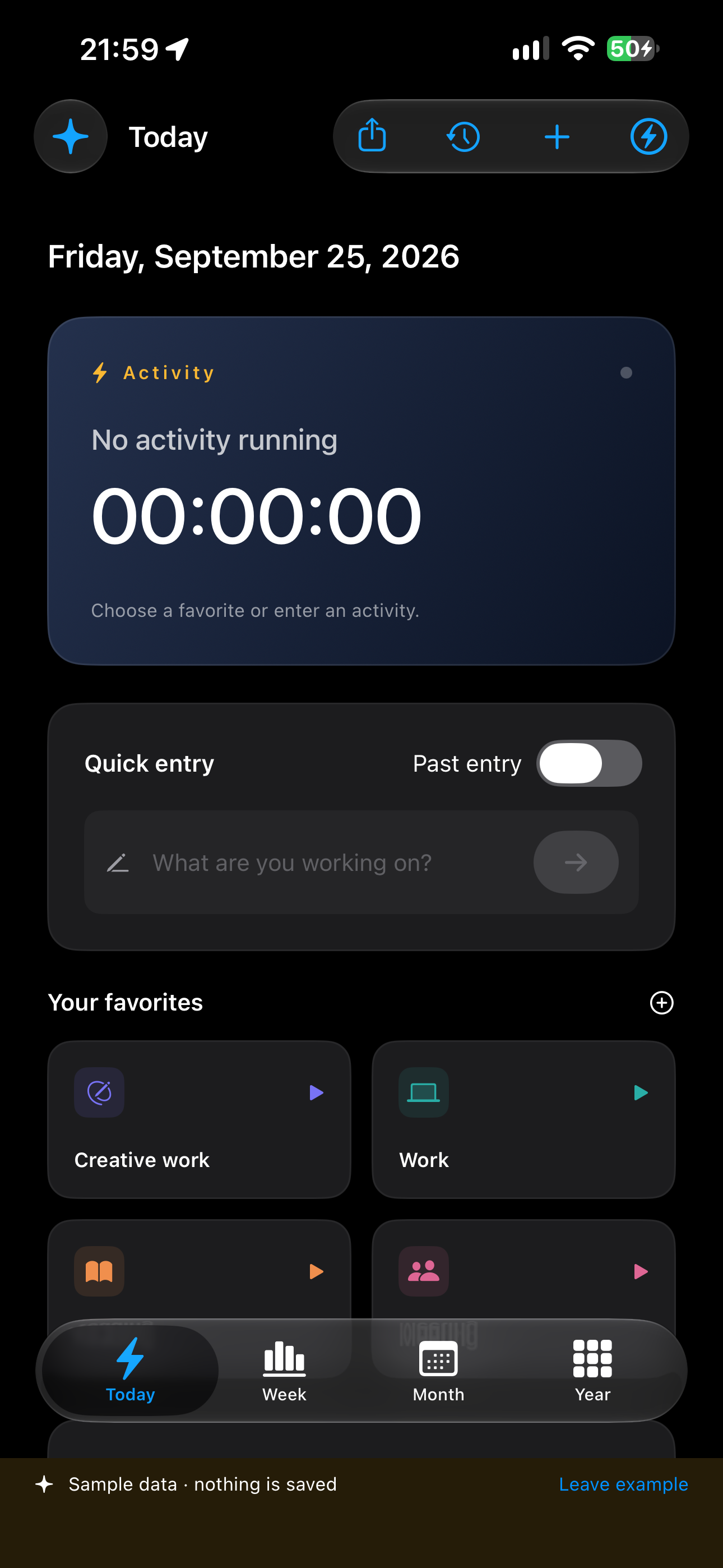
Keep frequent activities in your favorites. Switch between them without losing your flow.
Track your time in a flash.
Start an activity, switch to the next and see how your day unfolds. Flash Timers is an independent time-tracking app designed to capture entries in just a few taps, from the app or its widgets.
Keep frequent activities in your favorites. Switch between them without losing your flow.
Quick entry, widgets, the Mac menu bar and floating controls on Apple Vision Pro: start tracking from the device you are using.
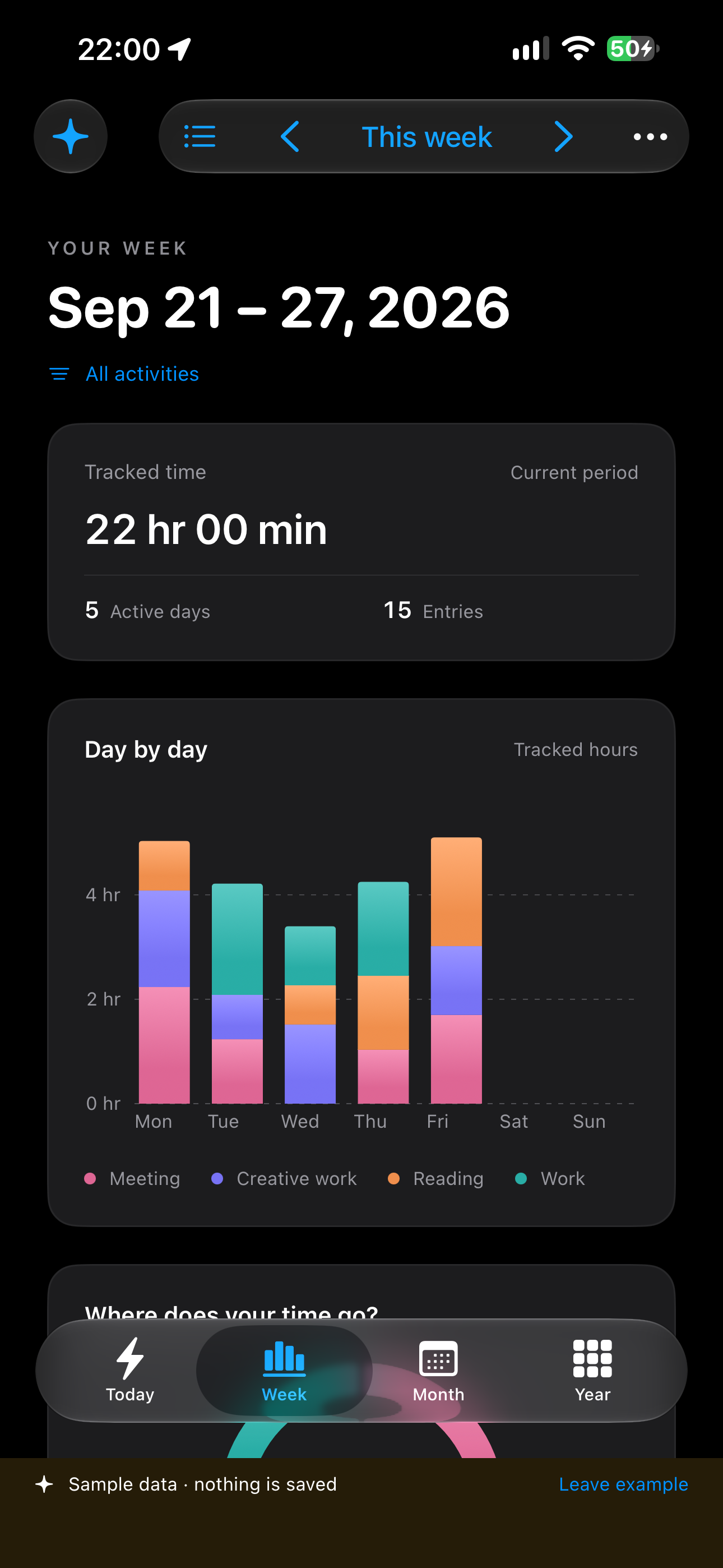
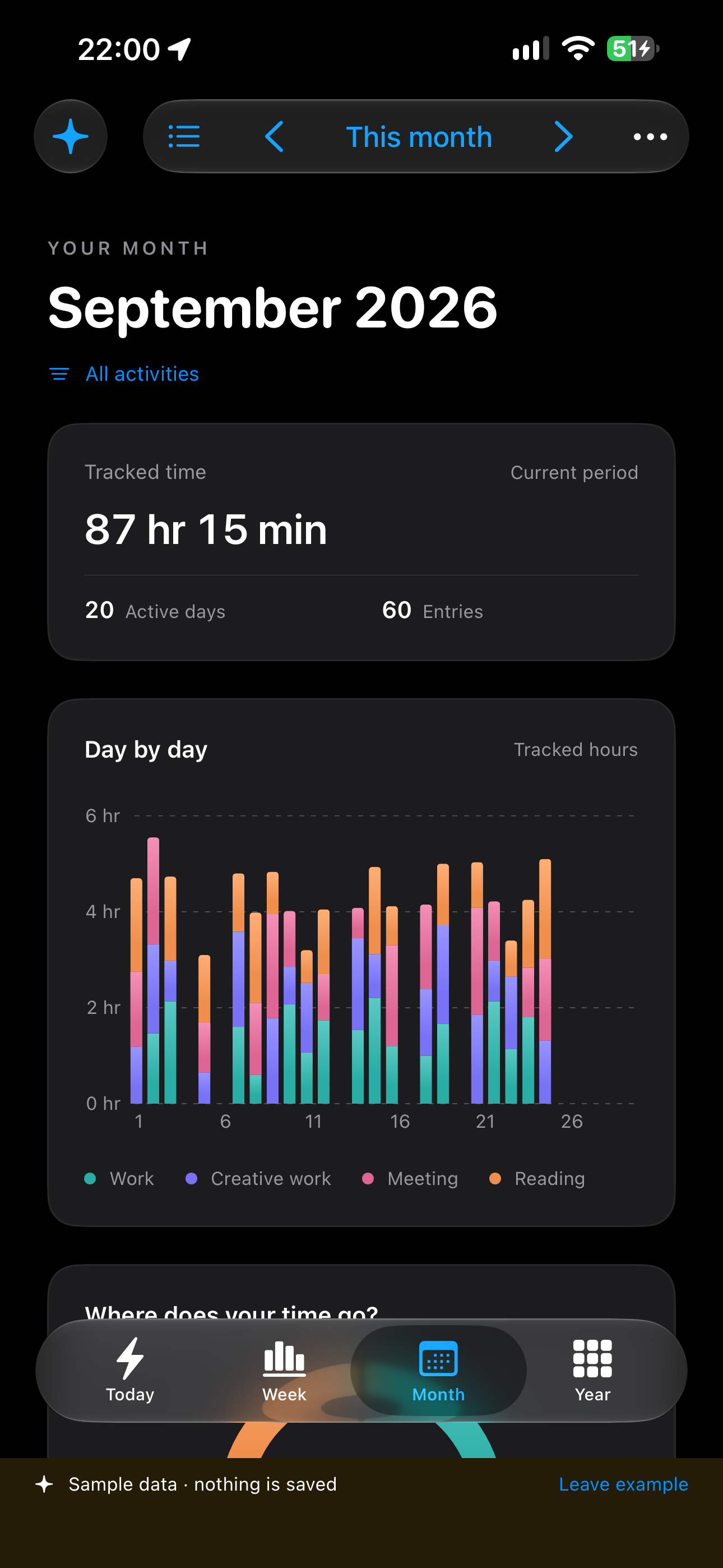
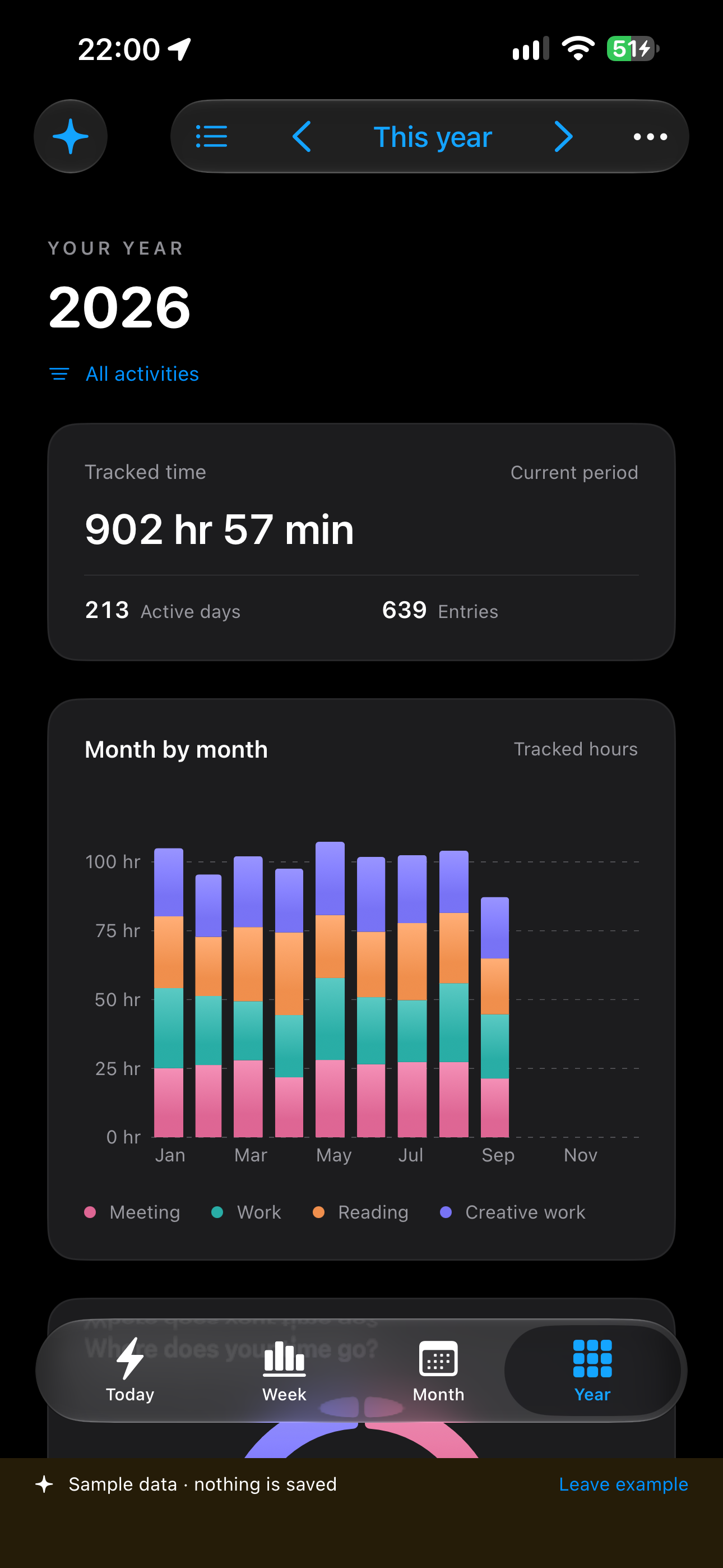
Go straight to your reports. Browse periods, see time by activity and open any month from the yearly view.
In Shortcuts, schedule an action at the end of a period. At 11 a.m., a two-hour duration records 9–11 a.m. automatically, without opening the app or creating another account.
Real iPhone screenshots with sample data.
We are preparing Flash Timers for Mac, iPhone, iPad, Apple Watch and Apple Vision Pro. iCloud sync is integrated. The app is not yet available on the App Store.
← All our projectsLocal tracking is free and unlimited, including entries, history, reports, widgets and CSV export. The $8.99 yearly subscription in the United States adds private iCloud synchronization across your Apple devices. The App Store shows the local price before confirmation.
Eligible new subscribers can try synchronization free for 7 days. After that, the subscription renews yearly unless cancelled in your Apple account at least 24 hours before renewal.
Without a subscription, every local feature remains available. Only iCloud synchronization across devices is disabled.